

Coordinates
Instantly convert GPS coordinates, map them, and point yourself to them
Coordinates makes it a snap to convert between the four most common formats for recording latitude and longitude: decimal degrees, degrees and decimal minutes, degrees-minutes-seconds, and UTM coordinates.
To convert your coordinates, just tap the coordinates format you have on the screen, then enter your new coordinates. Tap “done” and your coordinates are instantly converted into all four formats.
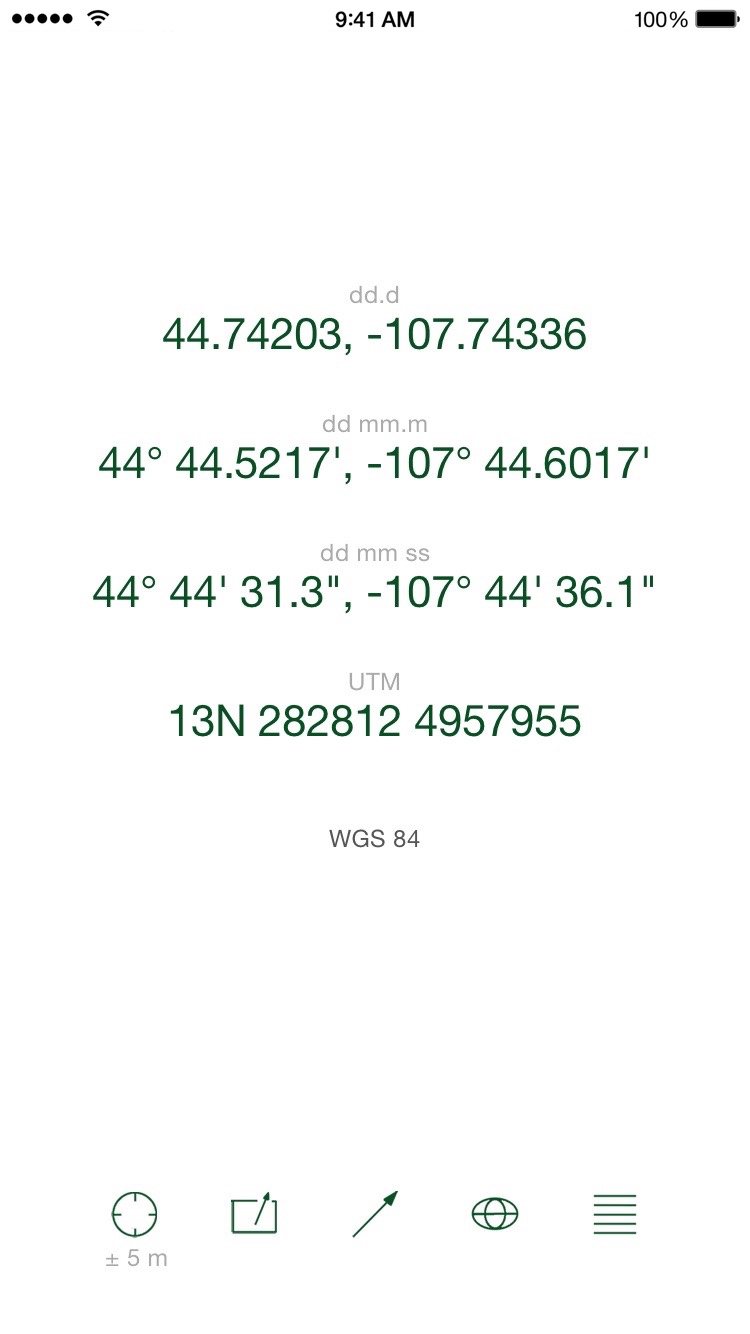
Coordinates has five other great features. First, tap the GPS button to get the coordinates of where you’re at right now. The current GPS precision is shown under the GPS button.
Second, tap the export button to send a text message with the coordinates you’ve entered. If you want to send your current location, just tap the GPS button, then tap the export button. Choose between comma-delimited (.csv) and GIS/Google (.kml) formats.
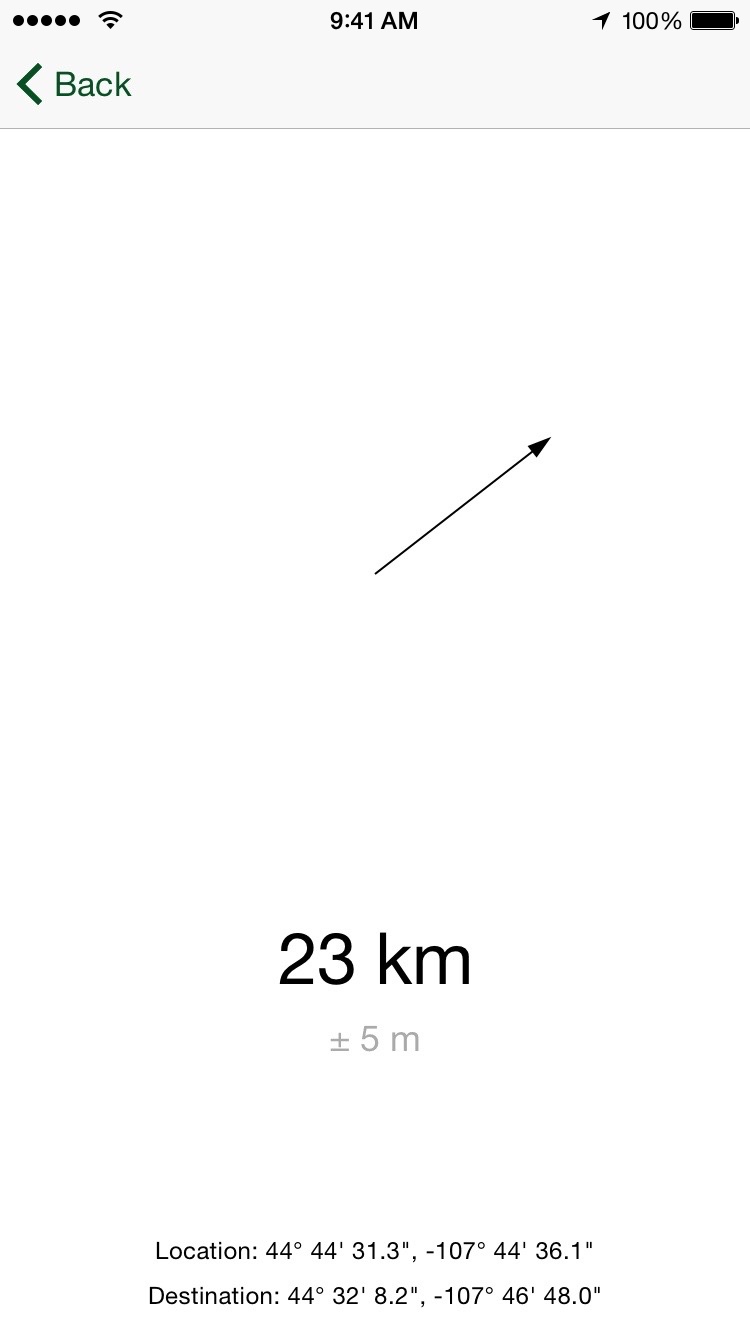
Third, tap the arrow button to see the current distance and bearing to the coordinates you’ve entered. The bearing uses the built-in compass to lead you right to your destination; just follow the arrow! This is great for hiking and walking right to your destination; fishing, too.
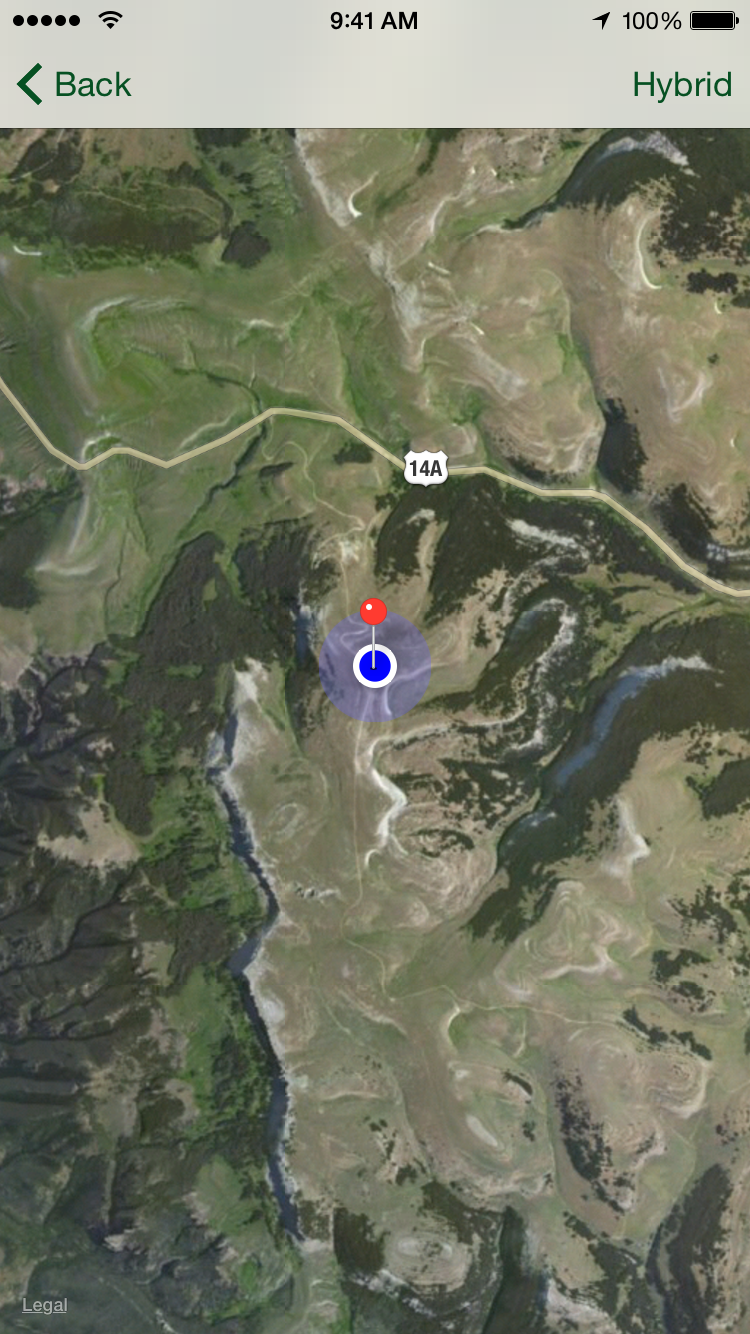
Fourth, tap the globe button to see your entered coordinates on a map. Touch the button in the upper right to switch between satellite, standard, and hybrid maps. Double-tap and pinch to zoom in and out on your map. (That’s Hunt Mountain in the screen shot.)
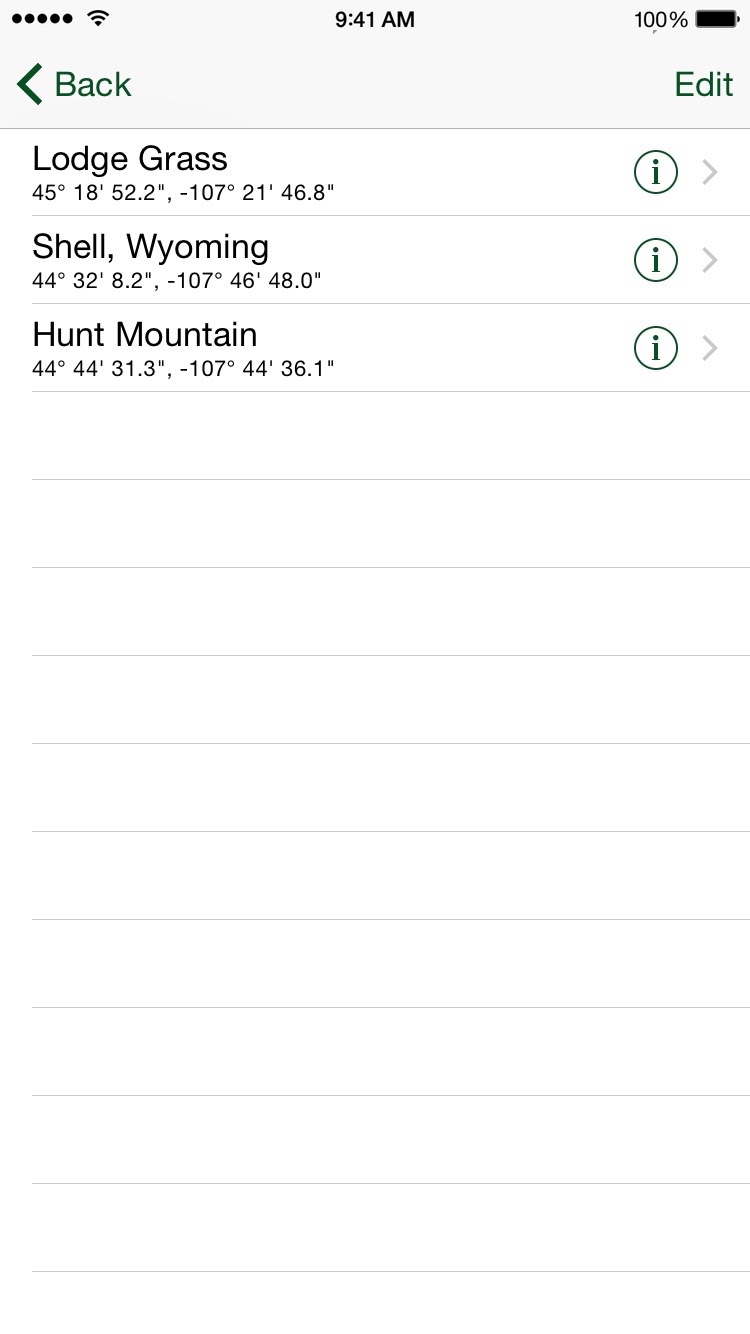
Fifth, Coordinates saves your waypoints. Tap a waypoint to select it, and the bearing screen shows you the direction and distance to your waypoint. The map screen shows your location and your waypoint.